But knowing the acronym is only half the story. Understanding what an ELD actually does, who needs one, and how it affects daily operations matters for staying compliant, keeping drivers safe, and running an efficient fleet.
This article covers the full definition, the federal mandate behind it, how these devices work day-to-day, the benefits beyond basic compliance, and how to pick the right system for your fleet.
Key Takeaways
- ELD = Electronic Logging Device, a tool that automatically records driving time and Hours of Service (HOS)
- The ELD mandate applies to most interstate commercial drivers required to keep records of duty status
- Devices must connect to the vehicle's engine and record eight specific data points automatically
- Exemptions exist for short-haul drivers, pre-2000 vehicles, and limited paper-log use
- Modern ELD platforms layer safety scoring, collision reconstruction, and cost controls onto basic compliance
What Does ELD Stand For?
ELD stands for Electronic Logging Device. Under federal regulation 49 CFR 395.2, it's defined as technology that automatically records a driver's driving time and supports accurate Hours of Service (HOS) recordkeeping.
The core job of an ELD is simple: track Hours of Service (HOS) and generate a Record of Duty Status (RODS). Federal rules cap driving and on-duty time, and ELDs track that clock automatically instead of paper logs scribbled by hand.
How It Connects to the Vehicle
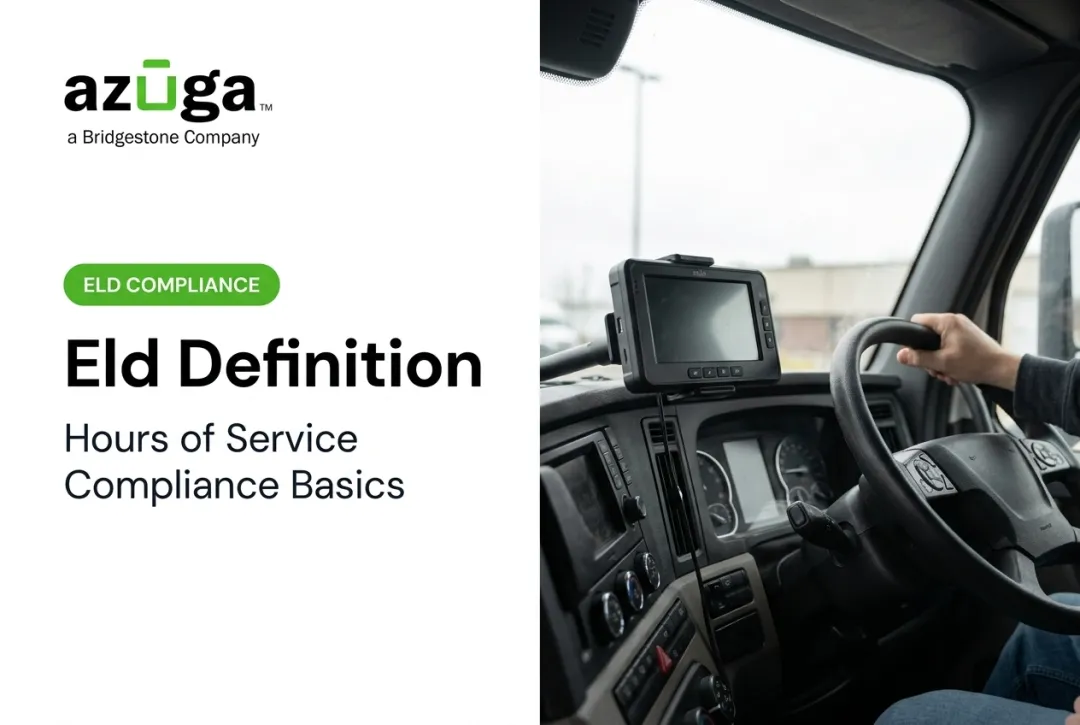
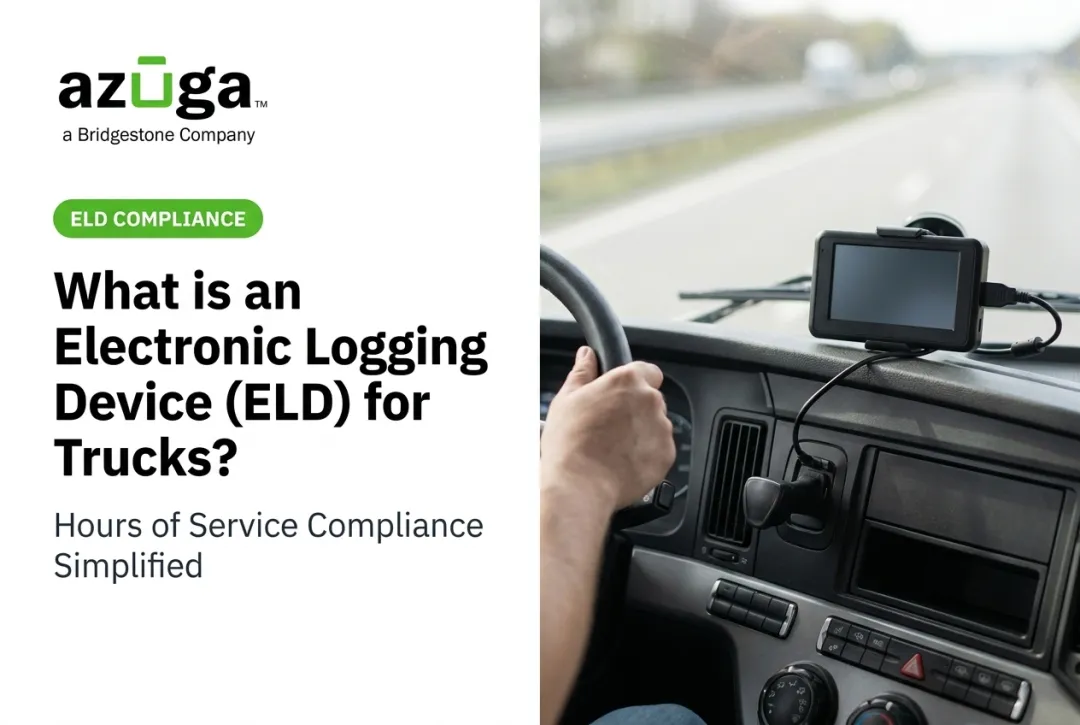
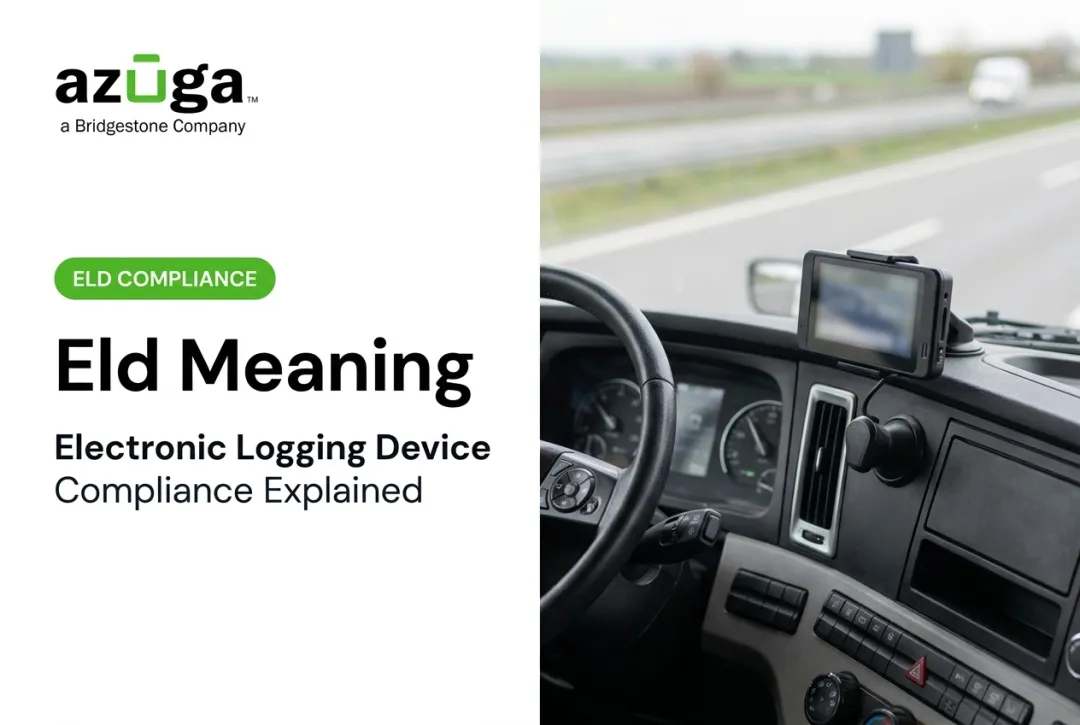
An ELD plugs into a commercial vehicle's onboard diagnostics port. Once connected, it automatically captures
- Vehicle location
- Total and per-session mileage
- Engine hours and maintenance flags
- Driving speed and duty status changes
ELDs replace the older AOBRD (Automatic On-Board Recording Device) technology. AOBRDs recorded engine data but lacked the standardized data format, tamper-resistance, and mandatory data-transfer features that ELDs require.

Provider Certification
ELD manufacturers must self-certify their devices against FMCSA's technical specifications, listed under 49 CFR Part 395 Subpart B. Carriers, in turn, must only use devices that appear on FMCSA's registered ELD list — buying an uncertified device won't pass a roadside inspection.
Key dates in the ELD mandate
- December 2015: Final rule published
- December 18, 2017: Compliance required
- December 16, 2019: AOBRD transition period ended
ELD Mandate and Requirements
The mandate exists for one core reason: reduce fatigue-related crashes by standardizing how HOS records get kept. Paper logs were easy to falsify. Electronic ones aren't.
Who Must Use an ELD
You need an ELD if you operate
- An interstate commercial vehicle already required to keep records of duty status (RODS)
- A vehicle with a gross weight of 10,001 lbs or more
- A vehicle carrying placarded hazardous materials
- A vehicle transporting passengers for hire
Key Exemptions
Not every driver needs one. FMCSA's exemption list includes:
- Drivers using paper logs no more than 8 days in any 30-day period
- Vehicles manufactured before model year 2000
- Driveaway-towaway drivers (vehicle is the commodity, including motorhomes and RV trailers)
- Short-haul drivers inside FMCSA's air-mile radius who return to base within 14 hours and meet off-duty rules
What ELDs Must Record
Per 49 CFR 395.26, every ELD must automatically log eight data points
- Date and time
- CMV geographic location
- Engine hours
- Vehicle miles
- Driver identification
- Vehicle identification
- Motor carrier identification
- Duty-status changes

In-Cab Documentation
Drivers must carry these items electronically or on paper
- ELD user manual
- Malfunction-reporting instruction sheet
- Data-transfer instruction sheet
- Blank RODS grids covering at least 8 days if the device fails
How Does an ELD Work?
ELDs run mostly on autopilot, which is the whole point.
Automatic Status Switching
The device switches between driving, on-duty, and off-duty status based on vehicle motion, using a non-configurable 5 mph threshold. If the ELD shows "driving" but the truck hasn't moved for five straight minutes, it prompts the driver to confirm or correct the status.
Data Transfer at Roadside Checks
During inspections, officers can pull ELD records through
- Bluetooth
- USB 2.0
- Wireless web services or email
Not every device supports every method, so it's worth confirming which transfer options your chosen system actually offers before you're stopped on the highway.
Editing and Certifying Logs
Drivers can annotate logs, but key records stay protected
- Automatically recorded driving time cannot be shortened
- Engine power-up, shutdown, and malfunction events cannot be edited
- Carrier-proposed corrections require driver review and confirmation
- Any edit after certification triggers a re-certification prompt
Benefits of ELDs Beyond Compliance
Compliance is the baseline. The real value shows up in how ELD data gets used.
Efficiency Gains
ELD data feeds directly into dispatch and route planning. Fleets using this data typically see
- Less time spent on manual paperwork
- Lower administrative overhead
- Better dispatch accuracy since managers see real driving patterns, not estimates
A 2014 FMCSA telematics field study found trucks with telematics cut unsafe-driving proxy events like hard braking and sudden lane changes by nearly 50%, with 6-8% fuel savings.

The study covered general telematics rather than ELDs alone, but it still shows what connected vehicle data can deliver operationally.
Safety and Liability Protection
Beyond raw compliance, ELD-integrated telematics platforms add
- Collision detection and harsh-driving alerts
- Driver exoneration: historical location and speed data can help clear a driver wrongly blamed for an accident
- Real-time visibility into where every vehicle is, right now
Azuga's SafetyCam AI with Collision Reconstruction is built for this: about 70% of accidents aren't the driver's fault, and timestamped video plus vehicle data is what makes that claim stick. Fleets using Azuga's connected safety tools report accidents dropping by an average of 38% and speeding citations falling by 57%.

Cost-Saving Extras
Features like geofencing and idle-time reporting flag waste that's easy to miss manually
- Vehicles idling too long at job sites
- Unauthorized stops outside a route
- Excessive after-hours vehicle use
Choosing the Right ELD System for Your Fleet
Picking the wrong ELD is a compliance risk, not just an inconvenience.
Start With FMCSA's List
Before buying anything, check the FMCSA registered ELD list. If a device isn't on it, it's not legal to use, no matter what a sales rep tells you.
Match the System to Your Fleet
Ask yourself
- Do you need bare-bones HOS compliance, or a full telematics suite?
- How many vehicles are you managing, and will that number grow?
- Do you already use tools like ServiceTitan, Procore, or Fleetio that the ELD needs to plug into?
Features Worth Comparing
- Plug-and-play OBD-II devices that install in minutes without a technician
- 24/7 phone and email support when a device fails mid-route
- Compatibility with dispatch or fleet management software you already use
- packaging that scales with fleet size, not flat per-unit fees

For small to mid-sized fleets in construction, HVAC, electrical, or trucking, a scalable, self-install option makes the most sense. You don't need enterprise-grade complexity for ten vehicles, but you still need the same FMCSA-registered compliance backbone a 500-truck fleet relies on. Azuga fits that gap with self-install OBD-II hardware and packaging that grows with your fleet.
Frequently Asked Questions
What does the abbreviation ELD stand for?
ELD stands for Electronic Logging Device. It automatically records driving time and Hours of Service data to replace paper logbooks for compliance purposes.
What are the ELD requirements?
Most interstate commercial drivers required to keep records of duty status must use an FMCSA-registered ELD. The device must automatically capture date, time, location, mileage, and driver ID. Carriers must also keep the required in-cab documentation on hand.
How does an ELD work?
An ELD connects to the vehicle's engine through the OBD port and switches between driving and duty statuses based on a 5 mph movement threshold. Drivers transfer data to inspectors via Bluetooth, USB, or wireless web services.
Who is exempt from the ELD mandate?
Exemptions include drivers who use paper logs fewer than 8 days in any 30-day period and vehicles manufactured before model year 2000. Driveaway-towaway drivers and qualifying short-haul drivers are also exempt.
How much does an ELD cost?
Many providers offer packaging that scales with fleet size rather than a flat per-unit rate.
Can ELD data be used to prove detention time or driver innocence in accidents?
ELD and telematics records include timestamped location and speed data, which can support detention-pay claims and help clear drivers of fault after an accident. Collision reconstruction features make this data easier to present as evidence.